
See every call
with a flash.
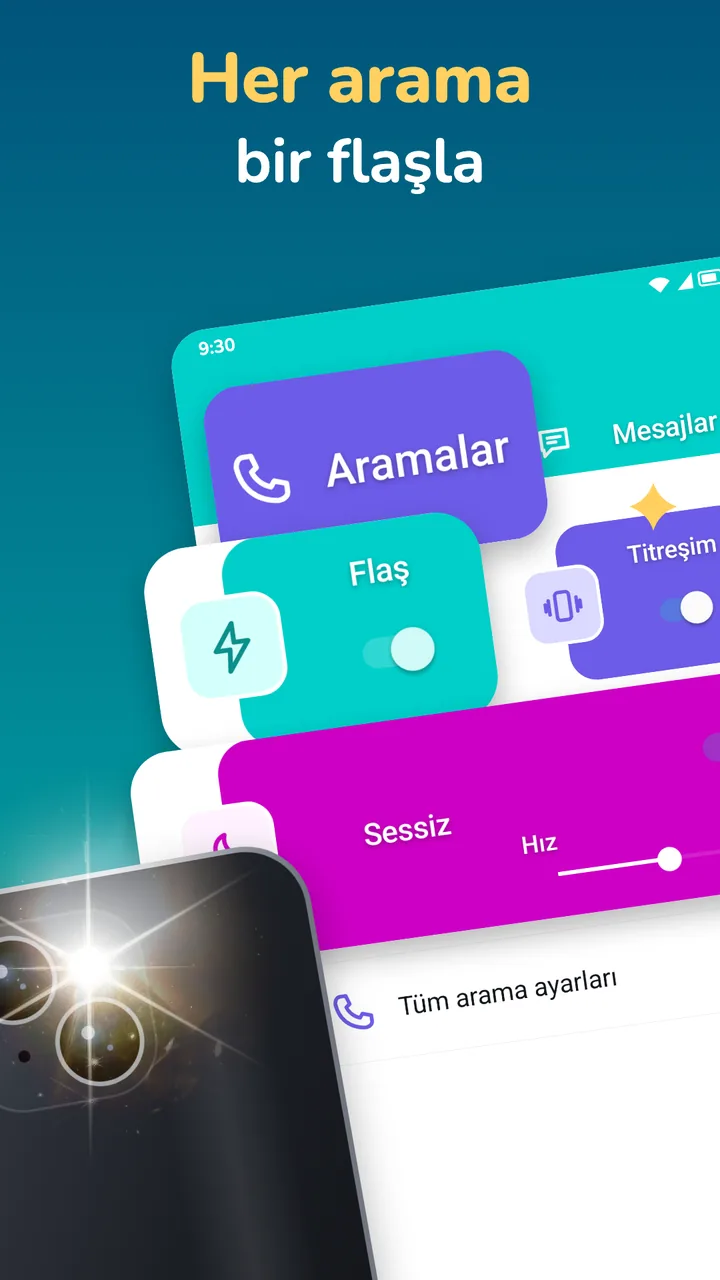
The camera flash blinks while your phone rings and when a message arrives, so you notice it even when you can't hear it. No account. Free with ads; a one-time Pro removes them.
Free · One-time Pro · Android 7.0 and later
A call comes in.
The flash blinks.
You see it.
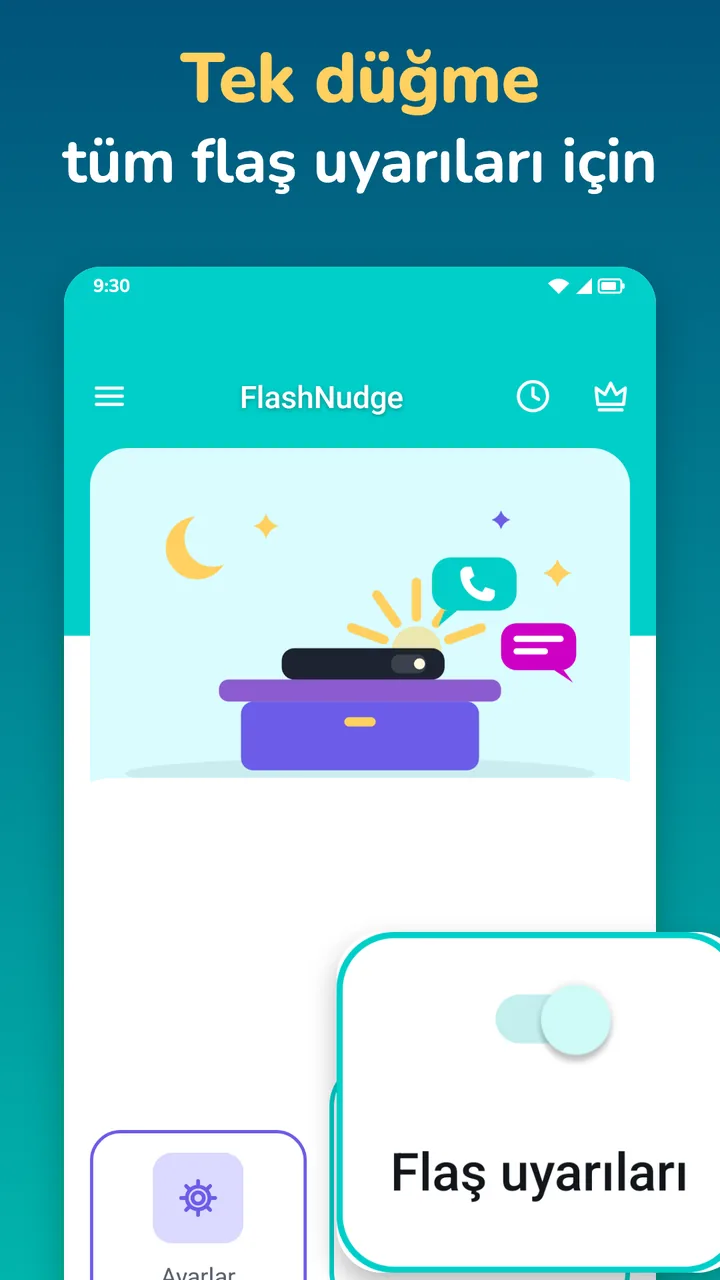
How it works
Set it up once.
Then just look.
Four steps, and nothing to sign up for.
- 01Allow accessNotification access and the phone permission, when FlashNudge asks. It explains each one first.
- 02Pick your appsYour SMS app is on already. Add the apps that should flash and set the speed.
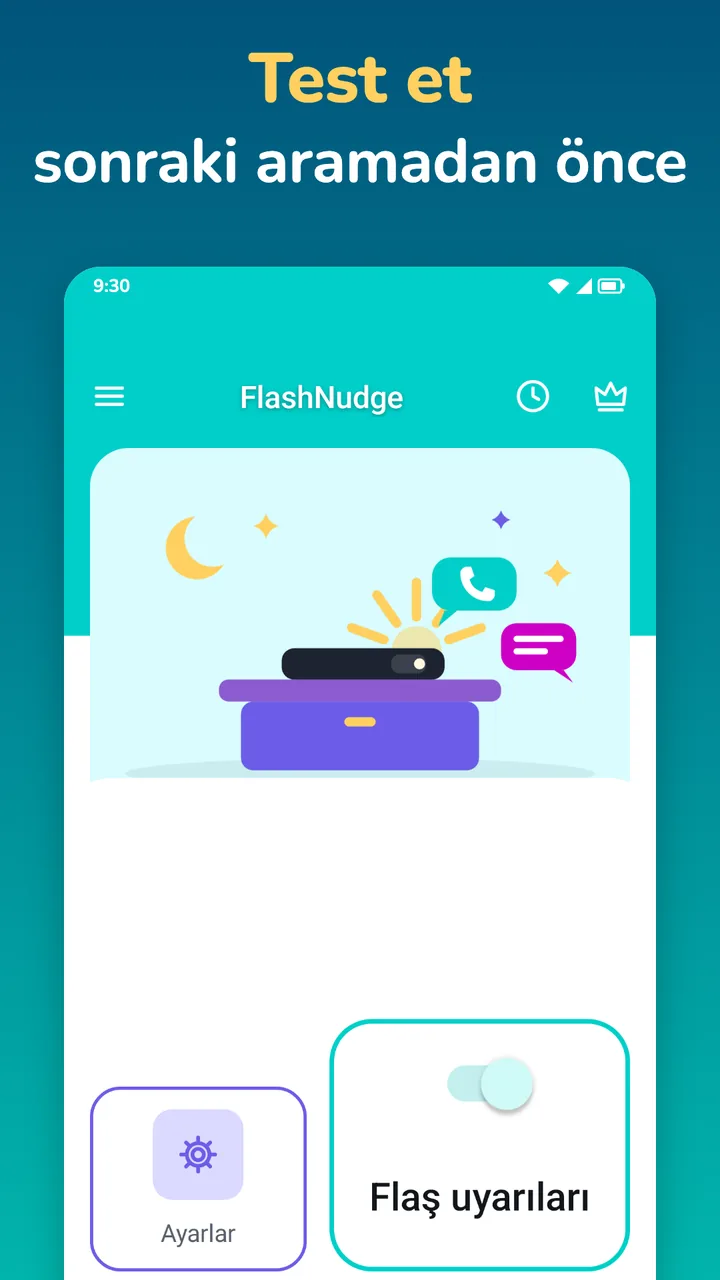
- 03Test itTap Test to see the flash right away.
- 04Put the phone downWhen a call or a message comes in, the flash blinks. It stops when you answer or decline.
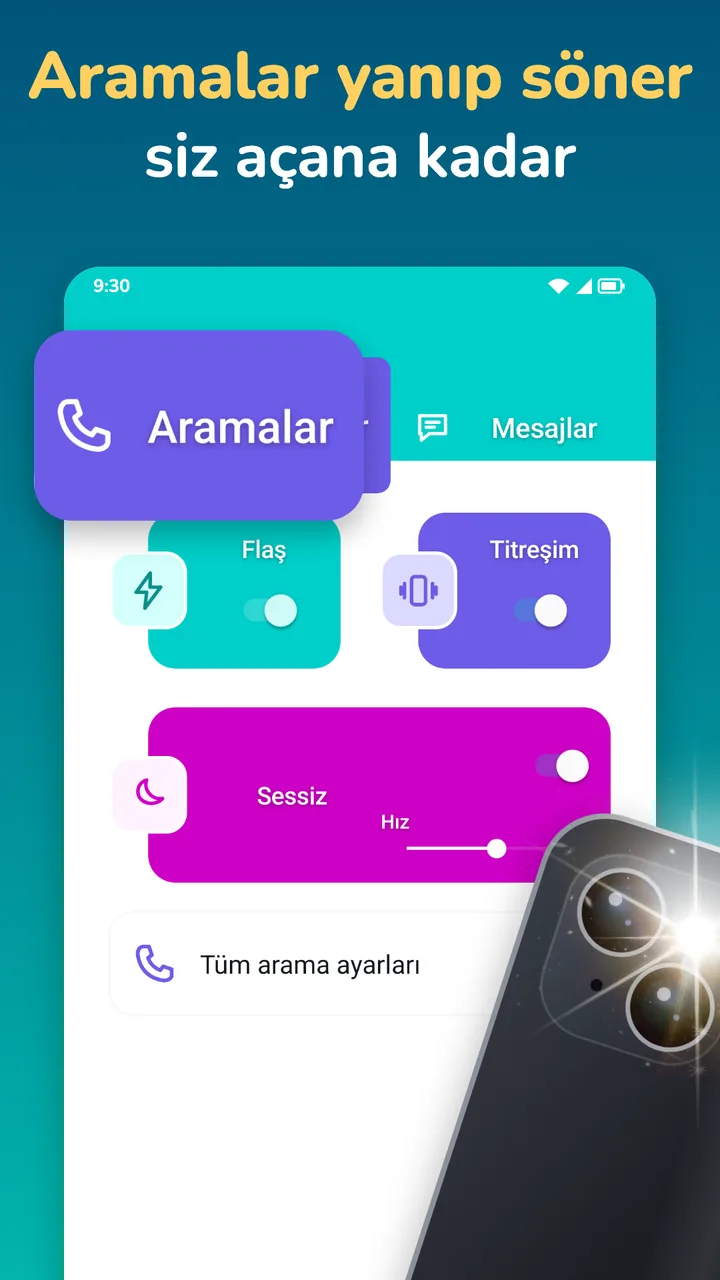
Calls
Flash while it rings,
stop when you answer.
The flash blinks for as long as a call rings and stops the moment you answer or decline. Useful in loud places, with the phone on silent, and for deaf and hard-of-hearing people.
- Starts with the ring, stops on answer
- Rules for ring, vibrate and silent mode
- Only when the screen is off, if you like
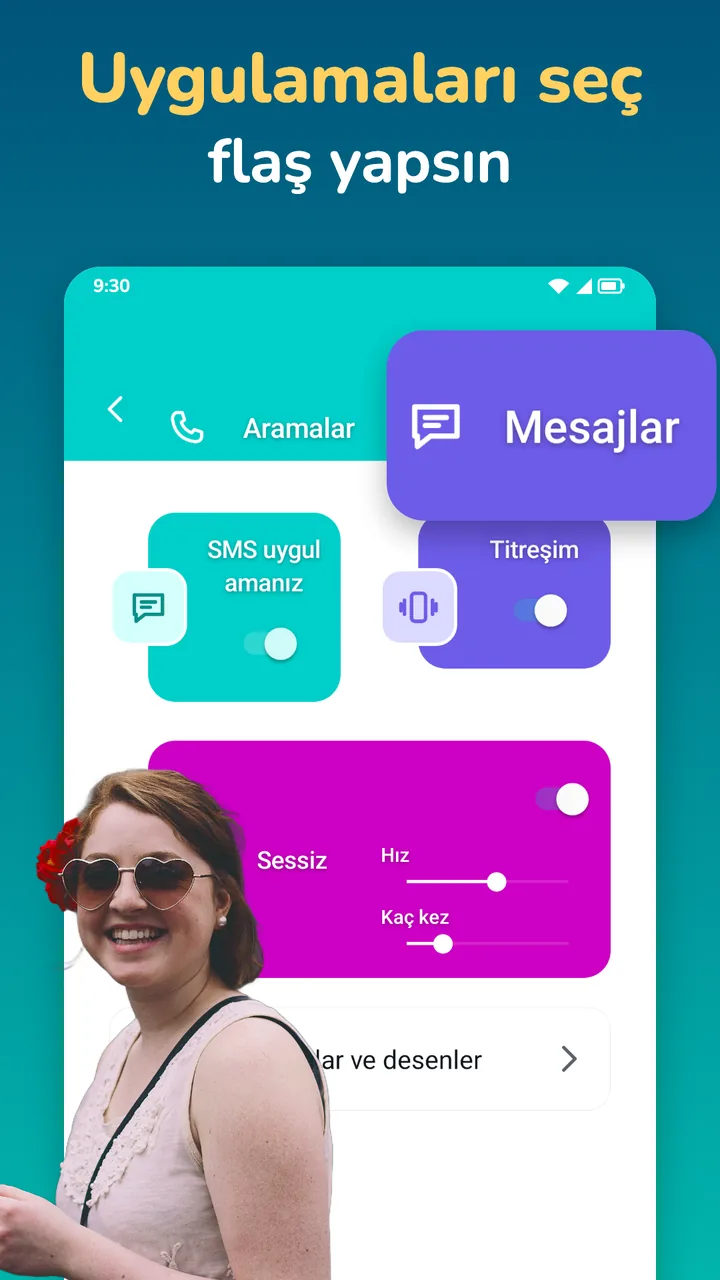
Messages and apps
Pick your apps
for a flash.
Your SMS app plus 3 apps you choose flash for free; Pro adds any number. FlashNudge sees only which app posted a notification, never what it says.
- SMS app + 3 apps, free
- Pro: any number of apps
- Notification text is never read
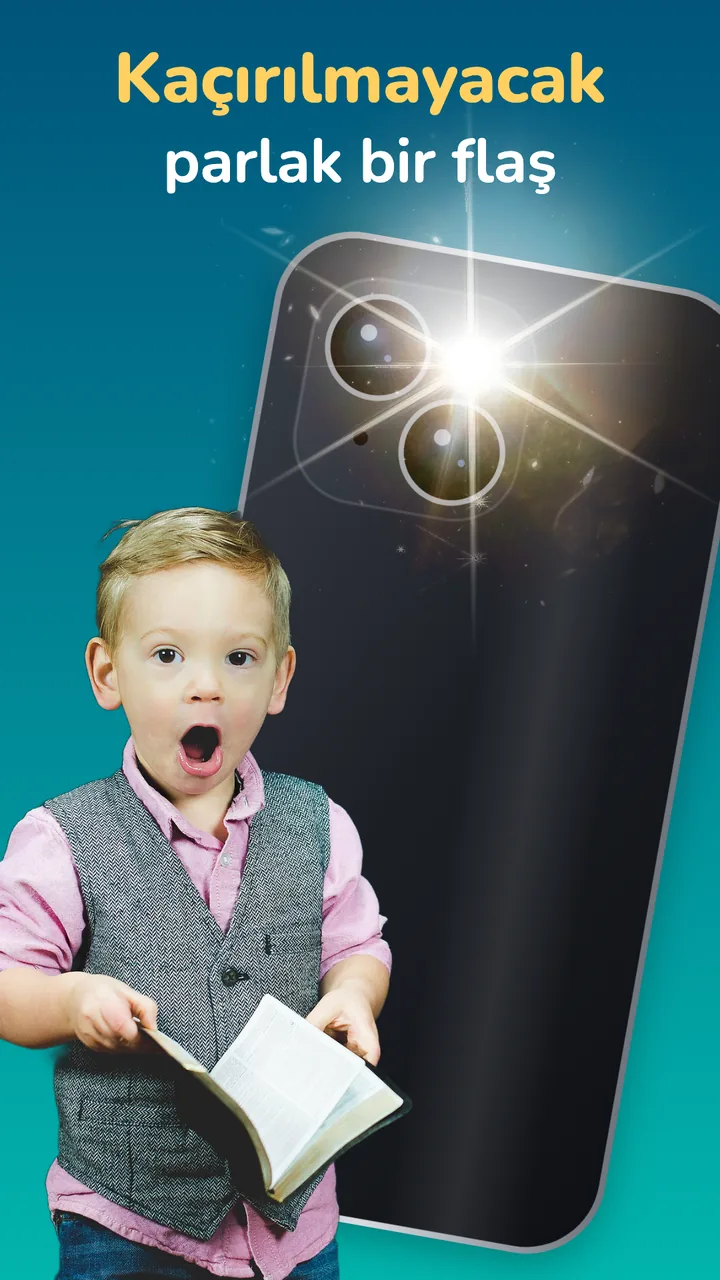
Patterns
Your own rhythm:
on, off, repeat.
Set the blink speed and the number of blinks. With Pro, give each app its own pattern, use Morse presets, or repeat until you look at the phone.
- Speed and blink count, free
- Pro: a pattern per app, Morse presets
- Pro: repeat until seen
Quiet hours
No flash
at night.
With Pro, set quiet hours and schedules, and skip the flash when the phone lies face down or the camera is in use.
- Pro: quiet hours and schedules
- Pro: face-down and camera-in-use rules
- Pro: flash when an alarm clock rings
Battery
Battery smart:
stops when low.
Choose a battery level below which FlashNudge stops flashing, so a long day doesn't end with an empty phone.
- Battery cutoff, free
- Flashlight tool: torch, SOS and strobe
- Pro: screen flash in your colours
And more
The small things,
done right.
Patterns at a glance
A call, a message,
an SOS.
A call blinks until you answer. A message blinks the number of times you set. The flashlight tool can send SOS. With Pro, every app can have its own pattern.
- Call: blinks until answered (dashed line)
- Message: three blinks
- SOS: short, long, short
Illustrative example. Speed and count are yours to set.
Pricing
Free does the core job.
Pro is one payment.
Free: call flash, message flash for your SMS app and 3 apps, speed and blink count, ring-mode rules, the screen-off rule, battery cutoff, test and the flashlight tool.
FlashNudge Pro
- Any number of apps
- A pattern per app, with Morse presets
- Repeat until you look
- Quiet hours and schedules
- Screen flash in your colours
- Face-down, camera-in-use and alarm-clock rules, recent flashes with CSV
One payment through Google Play, no subscription. Google Play shows the price in your currency. Google Play's refund policy applies.
No catch.
Privacy
It sees which app.
Never what it says.
FlashNudge uses notification access only to know that an app posted a notification. Titles and texts are never read, stored or sent.
Only what the ad networks in the free version collect: the advertising ID, device and app information, ad interactions and an approximate location from your IP address, never your notifications or your call state. Payments are handled by Google Play; FlashNudge checks your purchase on the device. Gizlilik politikası →
Questions,
answered.
Can FlashNudge read my messages?
No. It looks only at which app posted a notification and what kind it is (a message or a call). It never reads the title or the text, and stores and sends nothing.
Why does it need the phone permission?
Only to know when a call is ringing, answered or ended, so the flash starts and stops with the call. It does not read numbers, contacts or your call log.
My phone has no camera flash. Can I still use it?
Yes, with the screen flash (Pro): a coloured full-screen pulse. Android asks you to allow display over other apps for it.
Will it drain my battery?
It sleeps until a call or notification arrives, and the battery cutoff stops flashing below the level you set.
Which Android versions does it support?
Android 7.0 and later.
What do I get for free?
Call flash until answered, message flash for your SMS app and 3 apps, speed and count, ring-mode and screen-off rules, battery cutoff, test and the flashlight tool. The free version never expires; it shows ads, and Pro removes them.